Free indicator · MetaTrader 5

Major Market Structure

Read confirmed major swings, Break of Structure and potential reaction zones directly on your MetaTrader 5 chart. Free through the official MQL5 Market.

Access
Free
Version
1.0
Platform
MetaTrader 5
Distribution
MQL5 Market

Chart examples

Structure, on the chart.

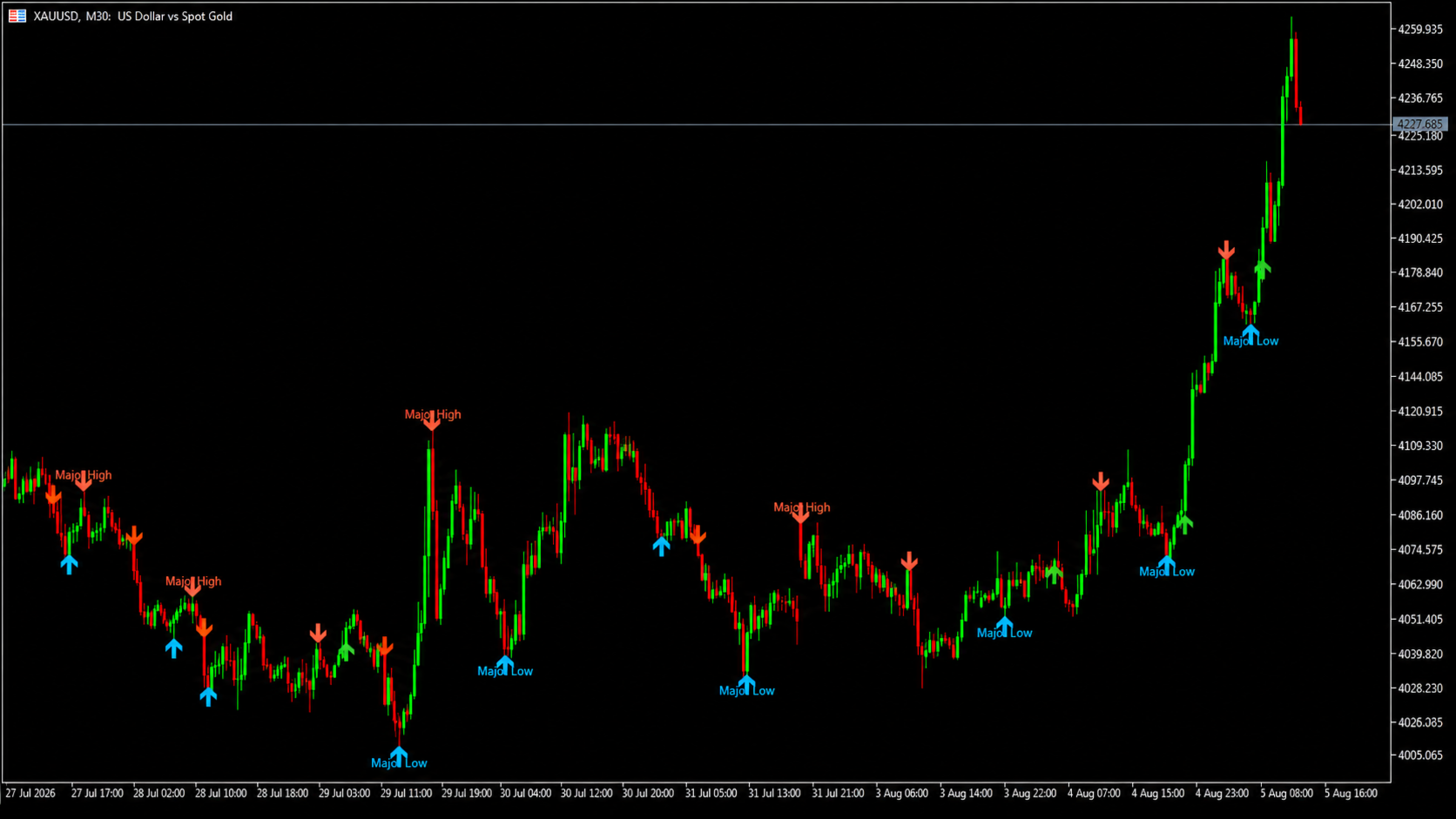
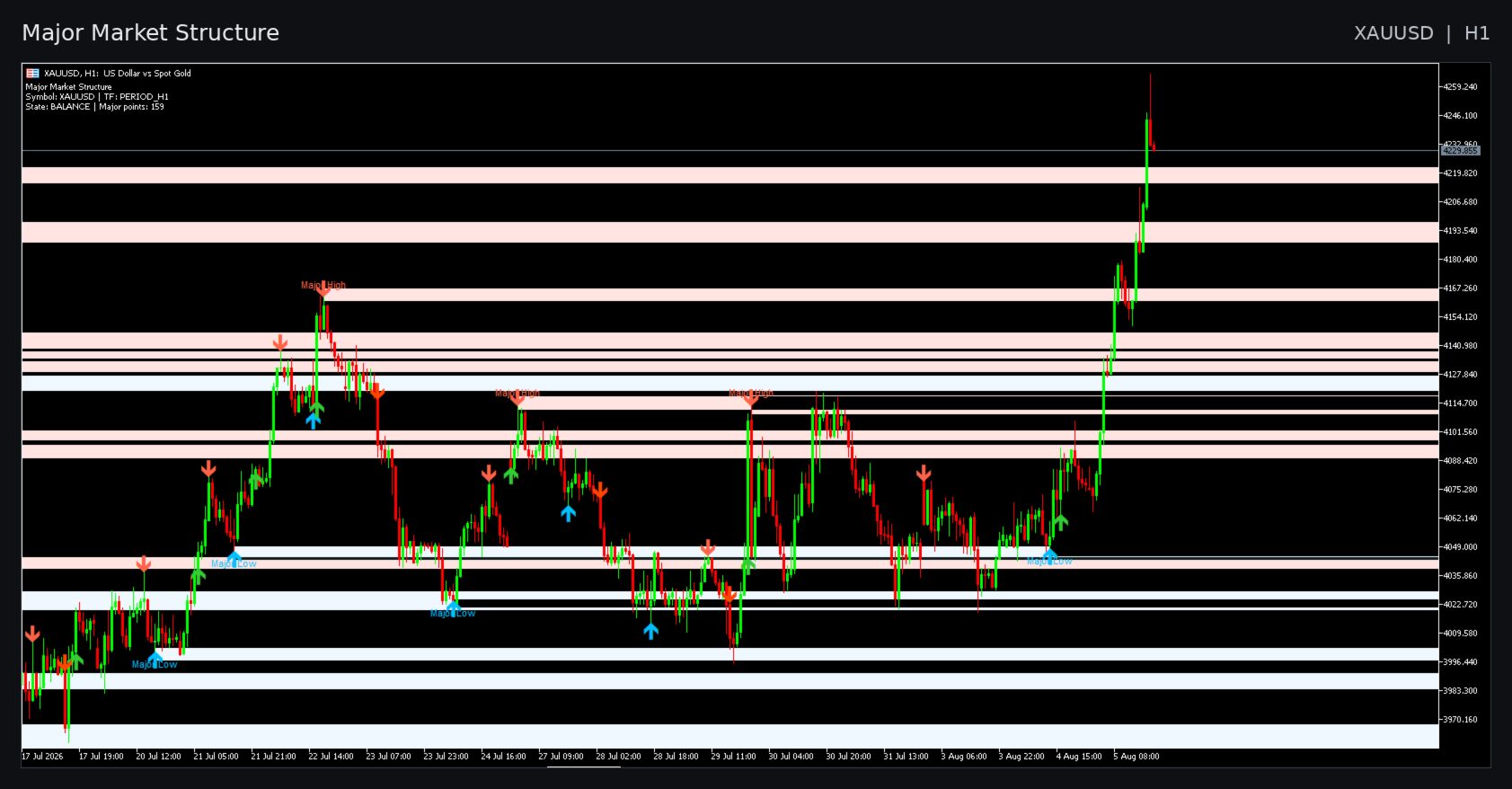
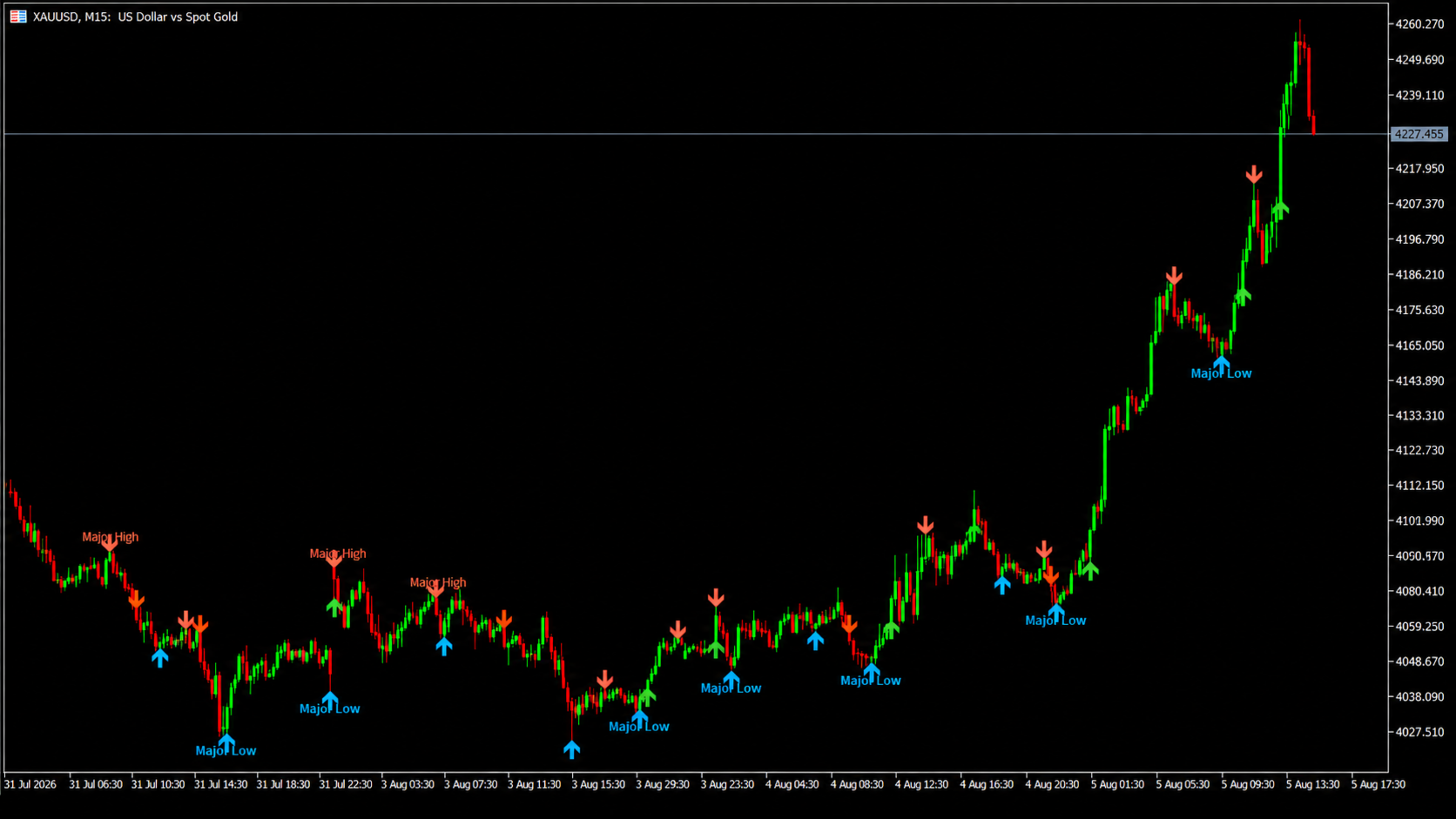
Existing product screenshots from the MQL5 listing. Historical examples are not live signals, performance results or proof of future outcomes. Select an image to view it at full size.
What it does

Focus on confirmed structure.

A chart-analysis tool, with adjustable sensitivity and display settings.

Major highs & lows

Highlights significant swing points after closed-candle and displacement confirmation, rather than every small fluctuation.

Break of Structure

Displays bullish and bearish structural breaks relative to previously confirmed major levels, using the selected BOS settings.

Reaction zones

Optional zones around confirmed structure points add support and resistance context. They are not guaranteed reversal signals.

Market state

Classifies confirmed structure as Uptrend, Downtrend or Balance, with adjustable sensitivity and chart display controls.

Installation

From MQL5 to your MT5 chart.

  1. Open Major Market Structure on MQL5 ↗ and check that it is marked FREE.
  2. In the MetaTrader 5 desktop terminal, sign in to your MQL5 account under Tools → Options → Community. Never share your password with QuantLume.
  3. Open the terminal's Market section, search for Major Market Structure by Ahmed Nori, and download the free product. You can also use the MQL5 page's download option and follow its terminal instructions.
  4. Find the installed indicator in Navigator → Indicators → Market, then attach it to a chart. Review the inputs and start on a demo chart.

Menu locations can vary by terminal build. Official MetaTrader 5 Market help ↗

Confirmation & limitations

Know when a marker becomes available.

  • Swing labels are drawn at the original pivot candle only after newer closed candles and price displacement confirm the swing. Historical labels therefore do not show when a signal first became available.
  • Break of Structure is evaluated after the relevant swing is confirmed. The indicator does not predict unconfirmed tops or bottoms.
  • Broker history, symbol, timeframe and input settings affect the structure displayed. H1 and H4 are suggested starting points in the MQL5 description; the screenshots are examples, not results or universal compatibility evidence.
  • This is an analysis indicator, not an Expert Advisor. It does not open, modify or close trades. The described Trend State buffer is an integration option, not an EA connection supplied by this website.
  • Feature and timing notes are based on the published MQL5 description. MQL5 lists version 1.0 with automatic validation passed; QuantLume does not present this as independent performance or source-code verification.

Release listed on MQL5: 2026-08-05 · Version 1.0. Downloads and subsequent versions are managed through MQL5.

Analysis is not a guarantee of profit or personalized investment advice. Trading involves risk. Read the risk disclosure.

Explore free tools →